

Become a job-ready Graphic Designer with AI.
Master Photoshop, Illustrator, Canva, Filmora and the latest AI design tools through live projects, real client briefs and one-to-one mentoring.

Request a callback
Get fees, batch timings and a free demo class.
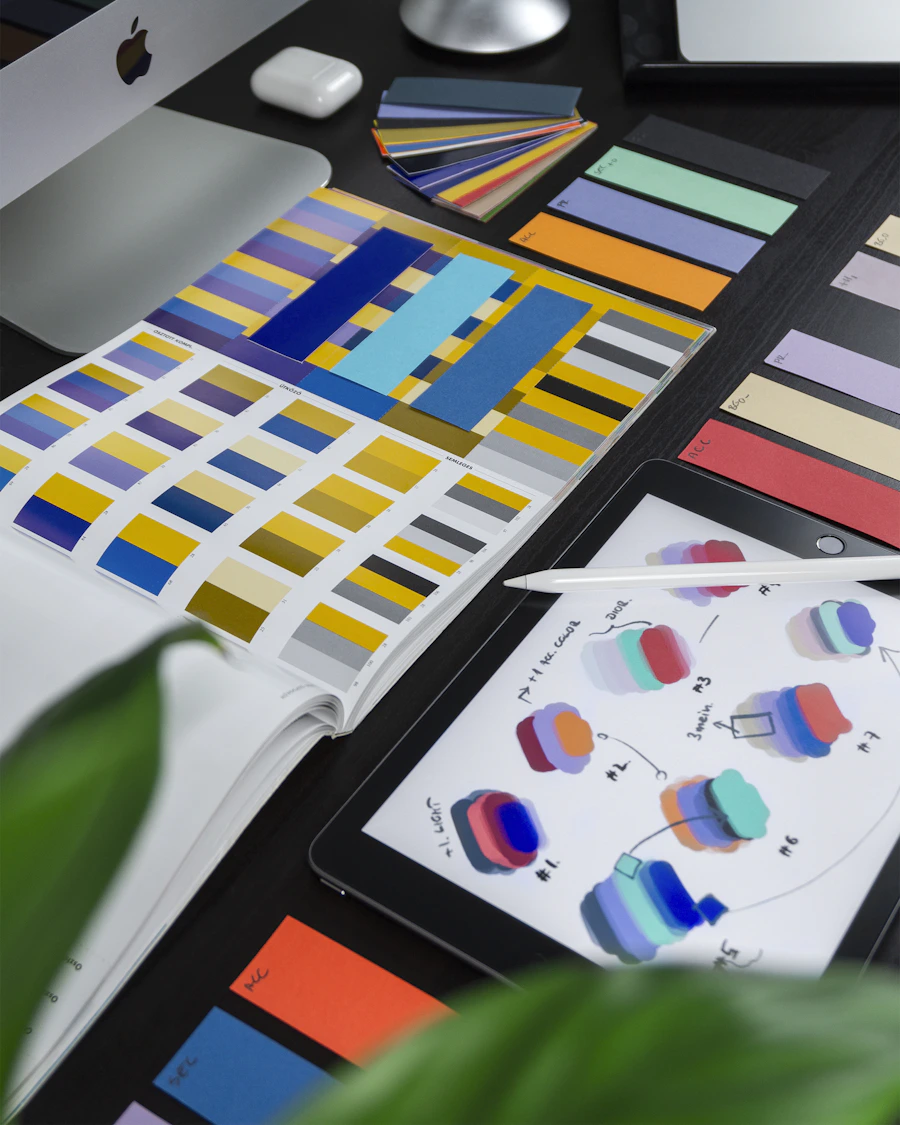 Creative Concepts
 Digital Design Practice
 Professional Studio Workflow
Tools you'll master
The software creative teams use every day — plus the AI tools that are changing how design gets done.
Adobe Photoshop
Photo editing, retouching and creative compositing.
- Retouching & colour grading
- Compositing & mockups
- Generative Fill with AI
Adobe Illustrator
Vector artwork, logos and brand identity systems.
- Logo & icon design
- Pen tool mastery
- Print-ready artwork
Canva
Fast, polished designs for social media and business.
- Social posts & carousels
- Presentations & brand kits
- Magic Studio AI features
Filmora
Edit reels, shorts and promo videos with ease.
- Reels & YouTube shorts
- Titles, motion & transitions
- AI-assisted editing tools
AI Design Tools
Create faster with image, text and layout AI.
- AI image generation & prompting
- ChatGPT / Claude for ideas & copy
- AI background & object removal
Unified Workflow
Combine every tool into one professional pipeline.
- Brief → concept → final
- Client revisions & delivery
- Freelance-ready processes
The course roadmap
Four phases, from design fundamentals to a portfolio that gets you hired.
Design Foundations
Design principles, colour theory, typography, layout and composition.
Photoshop & Illustrator
Photo manipulation, vector art, logos, posters and brand identity.
Canva, Filmora & AI
Social media design, video editing and AI-powered creative workflows.
Portfolio & Placement
Client projects, Behance portfolio, resume, mock interviews and hiring support.
What you'll learn in 90 days
A complete, hands-on path from beginner to professional.
- What is graphic design?
- Elements & principles of design
- Colour theory & psychology
- Typography essentials
- Layout, grids & composition
- Design briefs & moodboards
- Interface, layers & masks
- Selections & cut-outs
- Photo retouching
- Colour correction & grading
- Photo manipulation
- Typography effects
- Social media creatives
- Product & poster design
- Mockups
- Generative Fill & AI tools
- Vector basics & pen tool
- Shapes & pathfinder
- Logo design process
- Icon & illustration design
- Brand identity kits
- Business cards & stationery
- Brochures & flyers
- Packaging basics
- Print & export standards
- Brand kits & templates
- Instagram posts & carousels
- Presentations & pitch decks
- YouTube thumbnails
- Magic Studio AI features
- Team collaboration
- Timeline & cutting basics
- Reels & shorts editing
- Titles & text animation
- Transitions & effects
- Audio & music sync
- Colour grading
- AI-assisted editing
- Export for every platform
- Prompt engineering for visuals
- AI image generation
- AI logo & concept exploration
- ChatGPT / Claude for copy & ideas
- AI background & object removal
- AI upscaling & restoration
- Blending AI with manual design
- Ethics & copyright basics
- Brand strategy basics
- Visual identity systems
- Social media content calendars
- Ad creatives
- Campaign design
- Brand guidelines document
- Real client projects
- Behance & Dribbble setup
- Case study presentation
- Freelancing & pricing
- Resume & LinkedIn
- Mock interviews
- Placement assistance
Projects you'll build
Every module ends with a portfolio-ready project based on real briefs.

Brand Identity Kit
Logo, colour palette, stationery and guidelines.

Social Media Campaign
30-day content system with posts, carousels and reels.

Poster & Ad Series
Photoshop compositing with AI-generated assets.

Promo Video
A 30-second brand reel edited in Filmora.
Upcoming batches
Pick the format that fits your schedule. Seats are limited per batch.
Replace with your live batch dates.
Making your goals a reality
Whatever your background, we help you become a working designer.
Learn with AI tools
Hands-on training updated with the latest AI design workflows.
Get certified
A completion certificate recognised by design and marketing teams.
1-on-1 mentorship
Mentors review your work so every module counts.
Career guidance
Clear direction on jobs, freelancing and growth.
Lifetime support
Stay connected with mentors and alumni after the course ends.
Community access
Join a network of designers sharing work and opportunities.
Frequently asked questions
Ready to design your future?
Join the next batch and build a portfolio that gets you noticed.